Shelf Control · Game Night

Because “what should we play?” shouldn't take longer than the game itself.

Sync the board game collection you already keep on BoardGameGeek, shortlist tonight's contenders on the table, and let the cards decide. Your whole shelf, ready when friends show up.

Set your table —
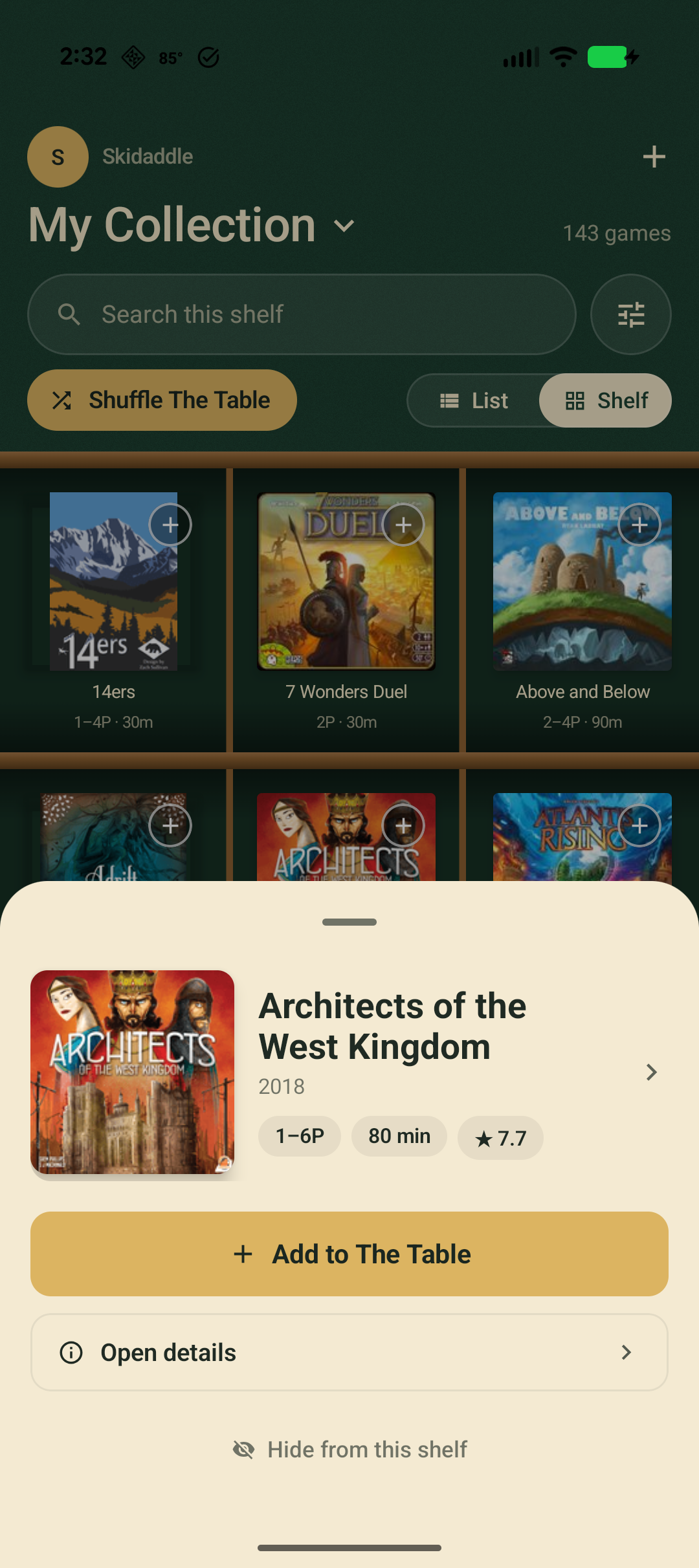
Browsing the shelf with a board game's quick-look sheet open in Shelf Control
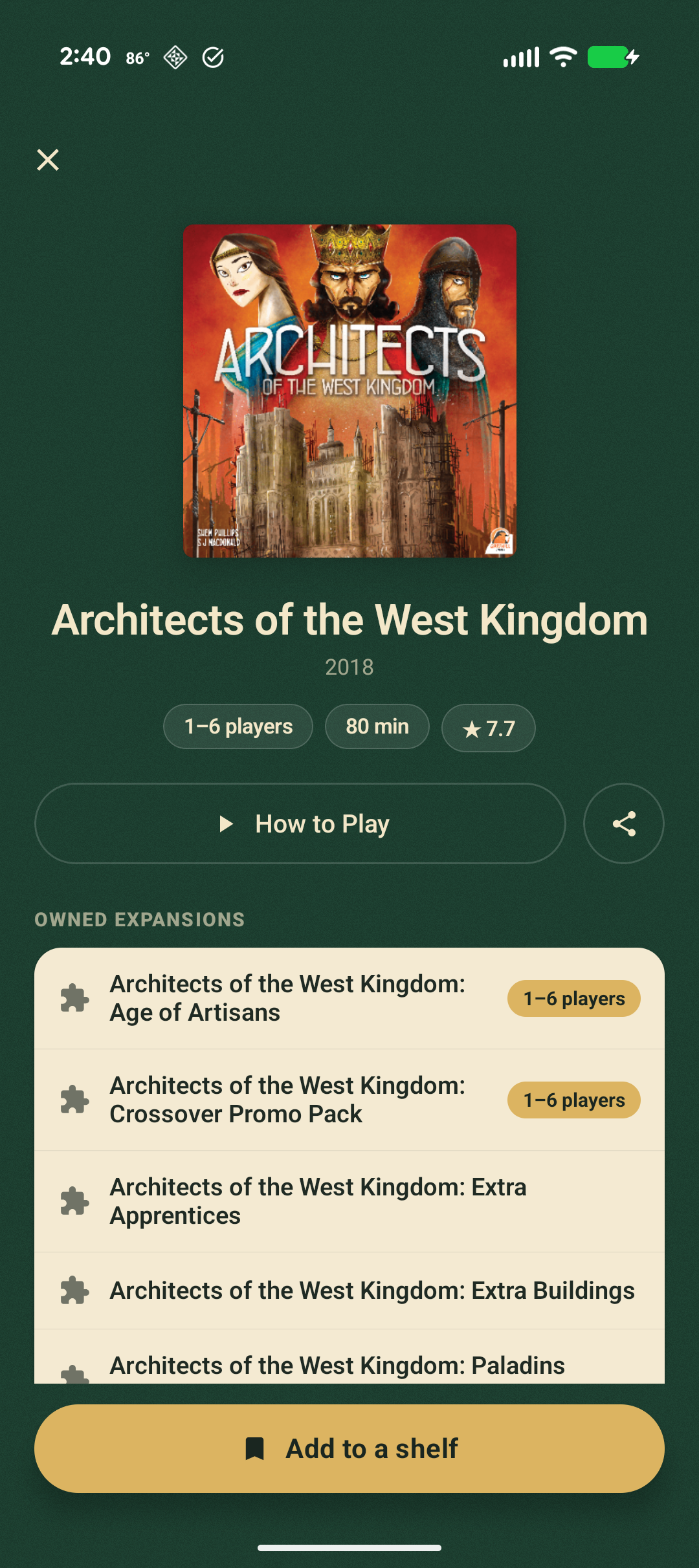
Architects of the West Kingdom detail screen with stats and owned expansions

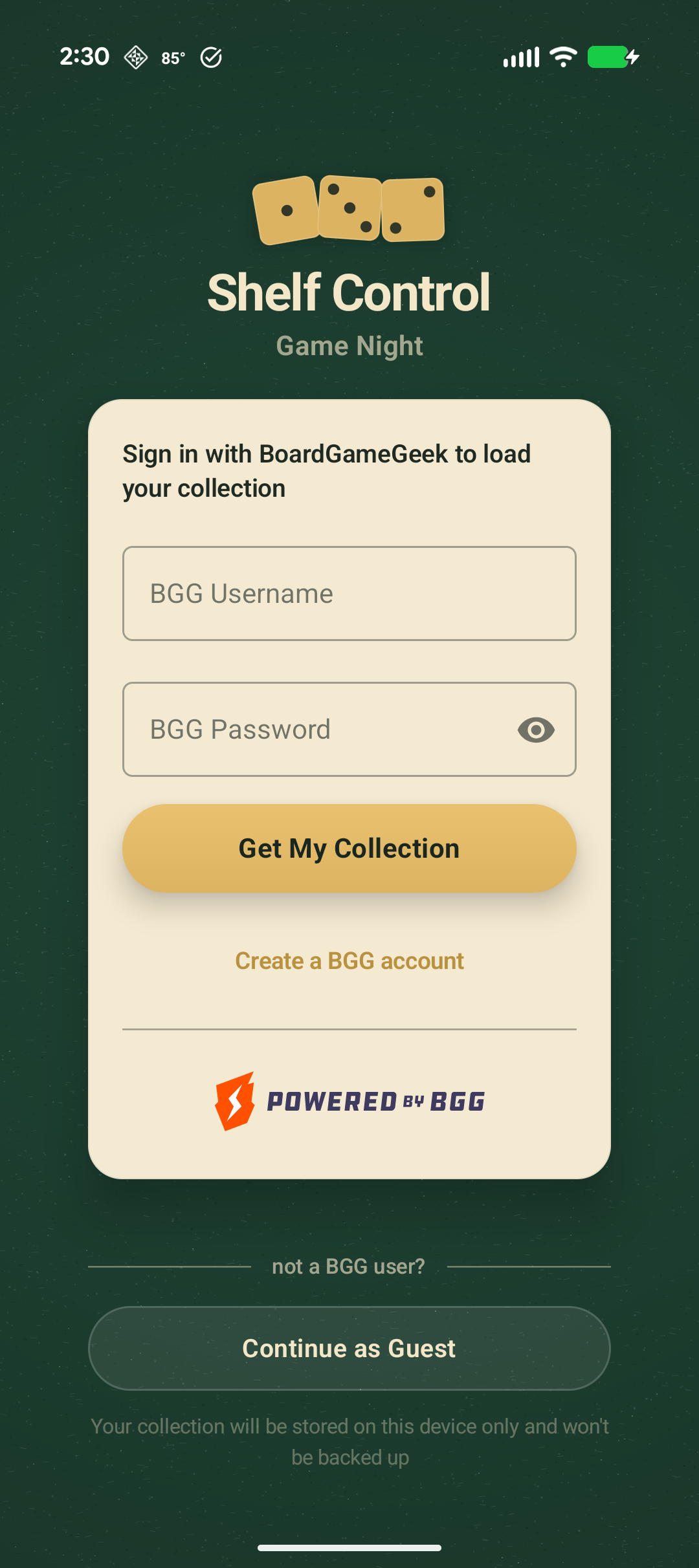
Sign in with your BGG username and the collection you already maintain pours straight in — no re-entering three hundred boxes by hand.

01 · Import

Your shelf, already built.

If it's on BoardGameGeek, it's in the app. One sign-in pulls your entire owned collection — box art, player counts, play time and ratings — and keeps it on your phone, ready offline for the table.

  • Sign in with your BGG account in seconds
  • Covers, weights, playtime & ratings come along
  • Re-sync any time from Settings
Sign in with BoardGameGeek to load your collection
02 · The Shelf

See everything you own.

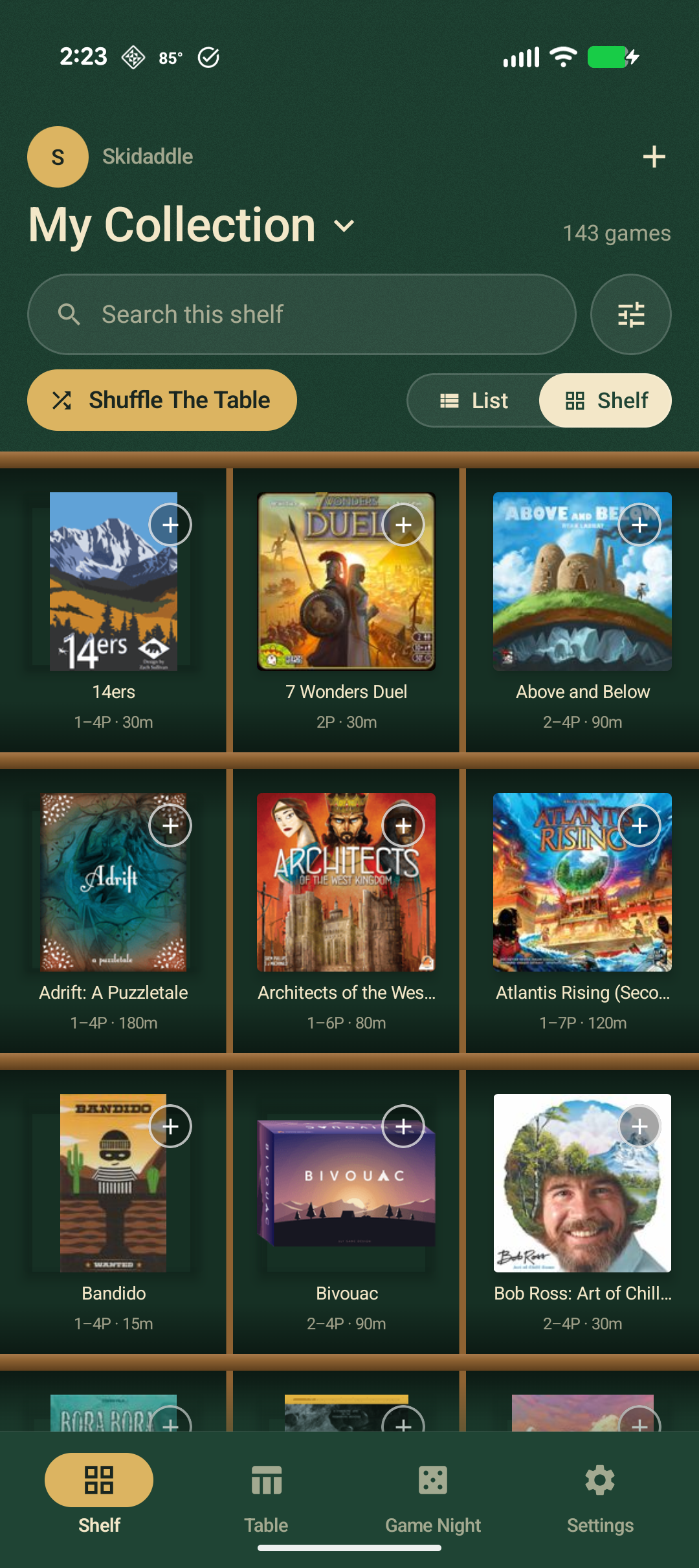
Browse your whole collection as a Kallax-style cube grid or a tidy list. Filter by who's coming and how long you've got — players, play time, weight, rating — and the night's real options rise to the top.

  • Kallax cube grid or dense list view
  • Filter by players, time, weight & rating
  • Tap any cover for stats and How to Play
The Shelf — board game collection browsed as a cube grid
03 · The Table

Shortlist the night.

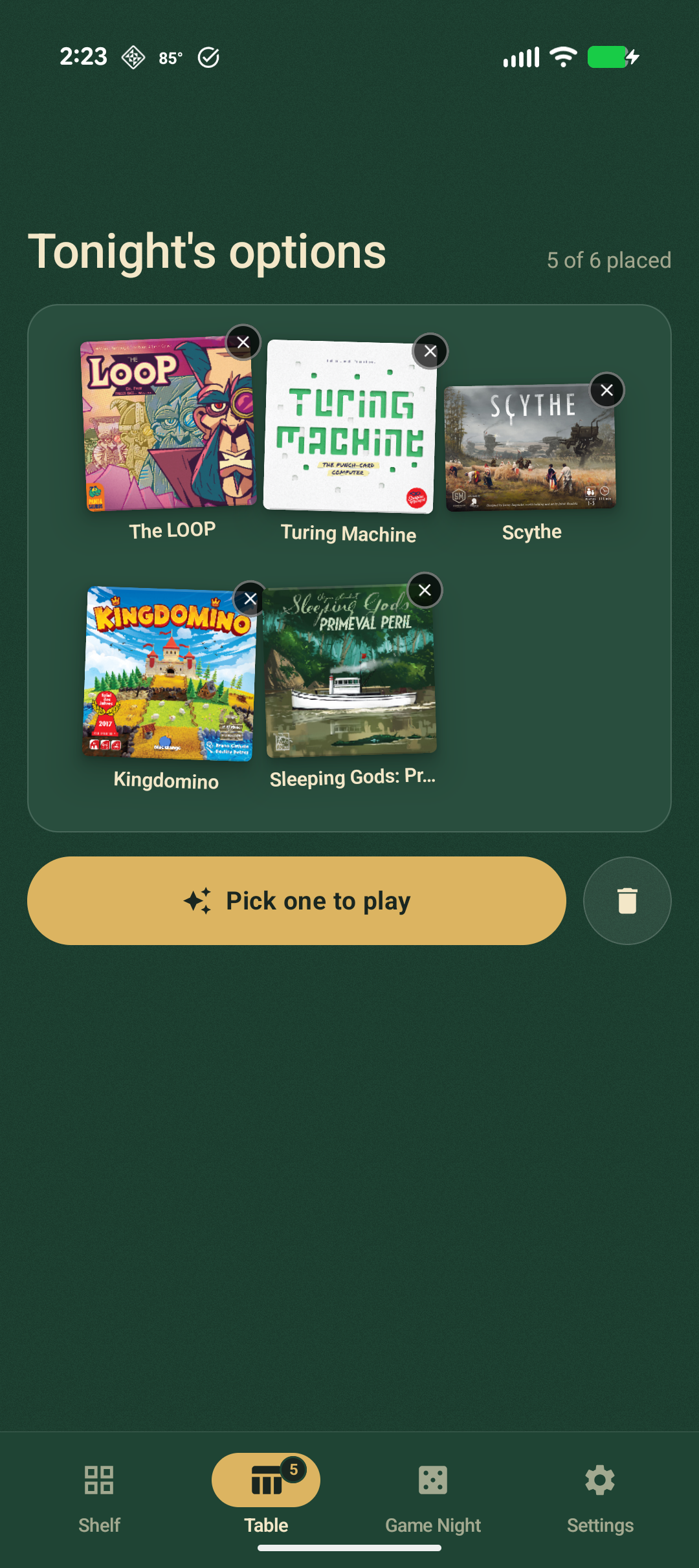
Pull up to six real contenders onto The Table — a staggered spread where every box shows at its true shape. Lay your background in felt, wine, slate or wood grain. This is the pile you actually choose from.

  • Up to six games staged for tonight
  • Box art at its real aspect ratio
  • Felt, wine, slate & three wood-grain tables
The Table — six board games shortlisted for the night
04 · Card Draw

Let the cards decide.

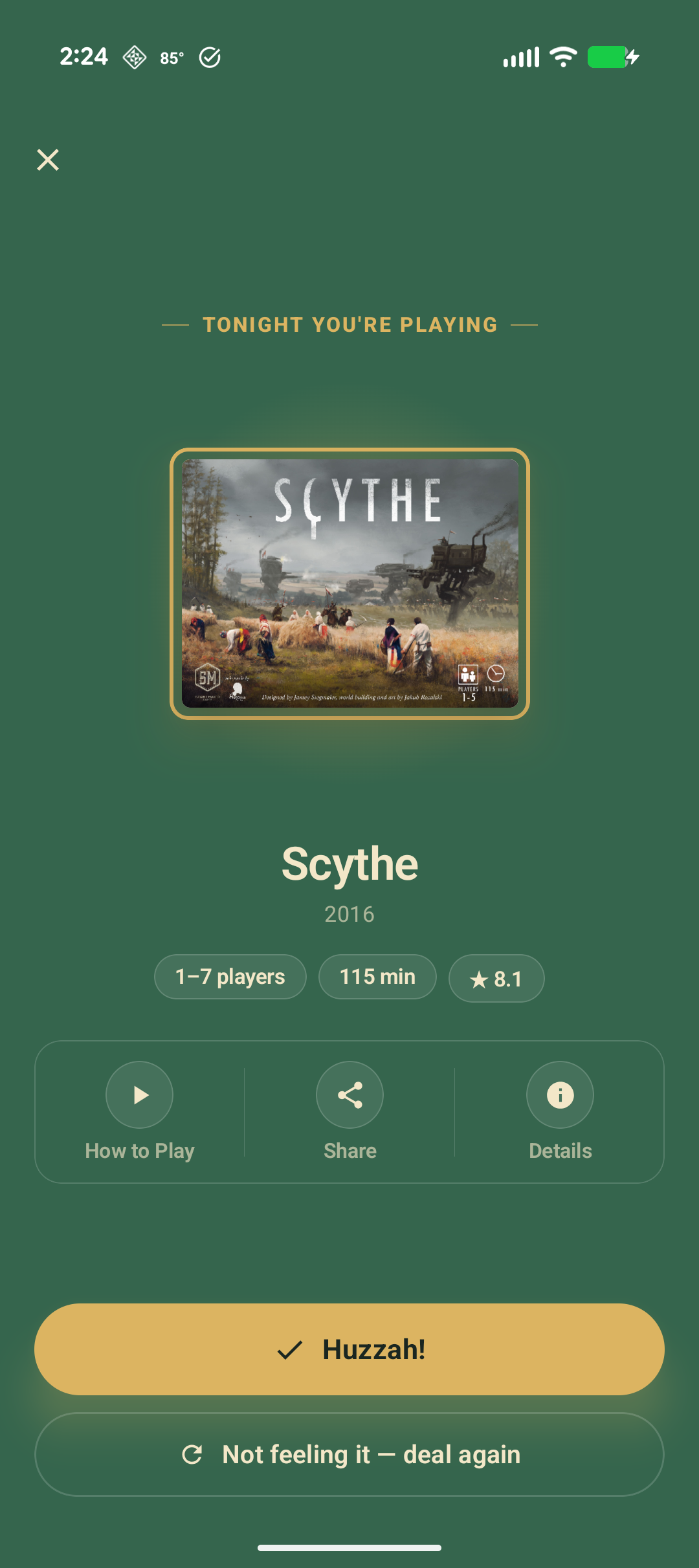
Table set? Draw. One flip picks the winner with a little ceremony — and if the room groans, hit “not feeling it” to redeal. Confirm the pick and it even rolls for who goes first. Debate over, game on.

  • A card-flip reveal that builds the moment
  • Redeal until the table's happy
  • Roll for first player, then clear the table
Card Draw revealing the winning board game
Three taps to “game on”

How a Shelf Control night goes.

No spreadsheet, no fifteen-minute standoff in front of the shelf. Just the part where you actually start playing.

STEP 01

Sync your shelf

Sign in with BoardGameGeek once and your whole collection loads onto your phone.

STEP 02

Shortlist the table

Filter to who's here and how long you've got, then add the night's contenders to The Table.

STEP 03

Draw the winner

Let Card Draw flip a winner and roll for first player. Debate's over — start playing.

Bring your shelf to the table.

Shelf Control: Game Night is coming to iPhone and Android. Built for groups who'd rather start playing than spend half the night picking.

“What should we play?” — answered before the snacks are open.